How Can a Business Owner Get the Best Out of Accounting Software?
For a business owner, accounting software should do more than simply record transactions. When used correctly, it can become an important business management tool for improving financial control, productivity, reporting, and decision-making.
Turn Accounting Data Into Business Decisions
Use the right reports, automation, controls, and integrations to get greater value from your accounting software.
Why Business Owners Should Care
Financial information can help a business owner understand sales, profitability, cash flow, outstanding payments, inventory, expenses, and overall business growth.
The key is to make this information easy to access, understand, and act upon. A well-managed accounting system can give business owners a clearer picture of the company's financial and operational position.
Practical Tips to Get the Best Out of Accounting Software
1. Review Key Reports Regularly
Focus on important reports such as profit, cash flow, receivables, payables, sales, expenses, and inventory. Regular review helps identify problems early and supports better business decisions.
2. Keep Your Data Clean
Use consistent customer, supplier, item, and account masters. Maintain correct tax settings and ensure transactions are entered accurately and consistently.
3. Reduce Manual Work
Identify repetitive activities such as invoice sharing, report generation, data entry, reminders, and follow-ups. Automating these processes can save time and reduce repetitive work.
4. Use Dashboards and MIS
Convert raw transaction data into useful management information. Customized dashboards and MIS reports can help owners monitor sales, profitability, outstanding amounts, inventory, and other important KPIs.
5. Control User Access
Give employees access only to the functions and information they need. Proper user permissions can improve accountability and help protect sensitive business information.
6. Back Up Your Data
Maintain reliable backups of important accounting data and periodically check whether the backup can actually be restored. A backup strategy can reduce the impact of unexpected data loss.
7. Integrate Your Business Systems
If employees repeatedly enter the same information into different systems, consider connecting your accounting software with CRM, websites, e-commerce platforms, mobile applications, or other business applications.
8. Customize Where Necessary
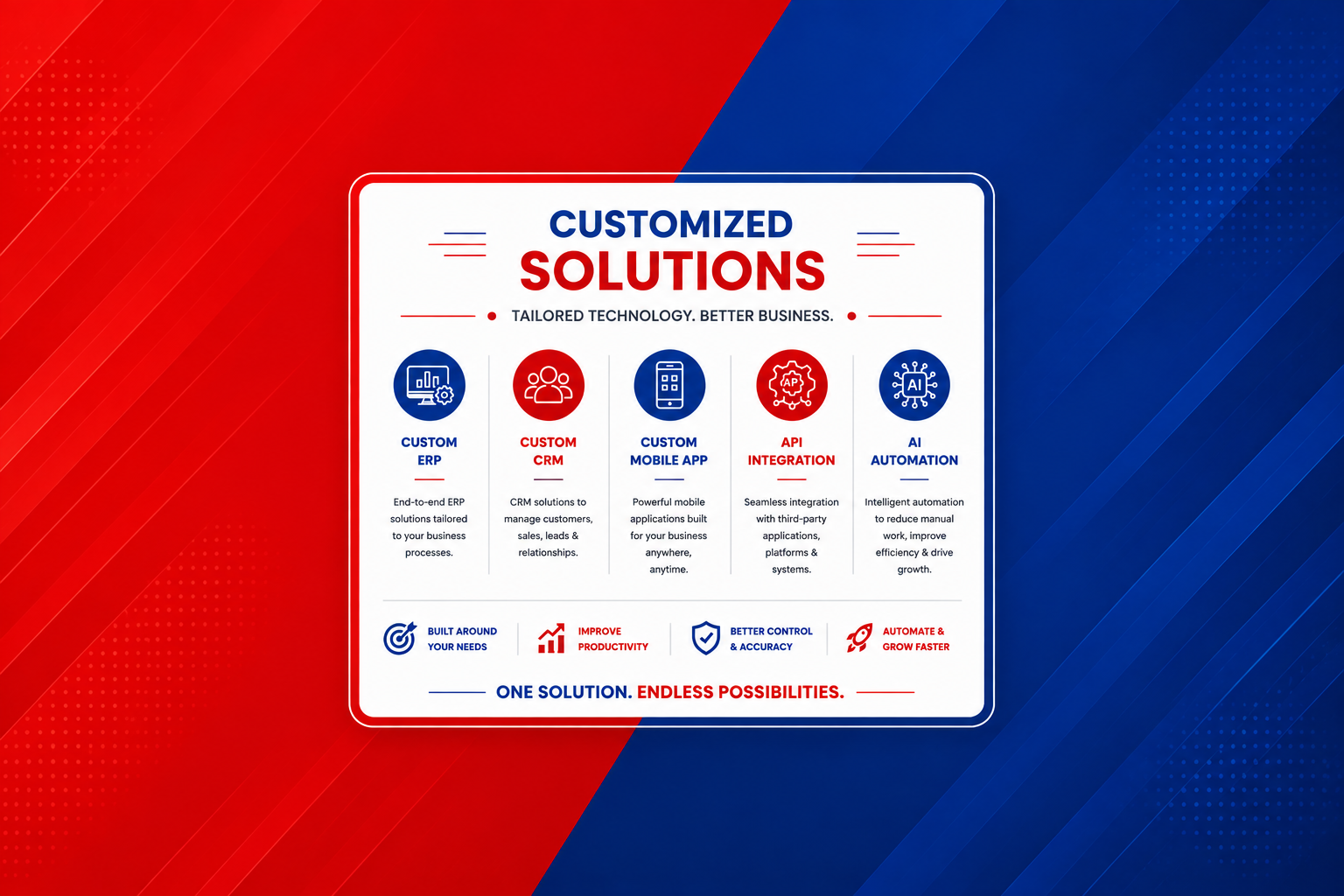
If an important workflow repeatedly requires manual work, consider a suitable customization. Customized reports, formats, validations, dashboards, automation, and integrations can make accounting software better suited to your business process.
A Simple Business-Owner Routine
A useful routine is to review financial and operational dashboards daily, outstanding balances and cash flow weekly, and profitability, inventory, and major expenses monthly.
Daily
Dashboards, sales, cash position, and important business activities.
Weekly
Outstanding payments, cash flow, collections, and business performance.
Monthly
Profitability, inventory, expenses, and overall business analysis.
The exact frequency should match the size, nature, and transaction volume of the business. The goal is to establish a consistent review process rather than simply generating reports without taking action.
How Customization Can Add More Value
Accounting software becomes even more useful when it matches the actual workflow of a business. Customization can help bridge the gap between standard features and specific operational requirements.
Conclusion
The goal is not simply to use more accounting software features. The real objective is to use the right information, automation, controls, and integrations to make faster and better business decisions.
Kartel Infotech can help businesses get more from TallyPrime, BUSY, Customized ERP/CRM, Third-Party Integrations, WhatsApp Automation, and AI-enabled workflows.
Primary Topic: How can a business owner get the best out of accounting software?